Writing · Backend · releases · health checks
Releases that prove themselves: zero-downtime deploys for a backend people use all day
By Saksham Srivastava5 min read
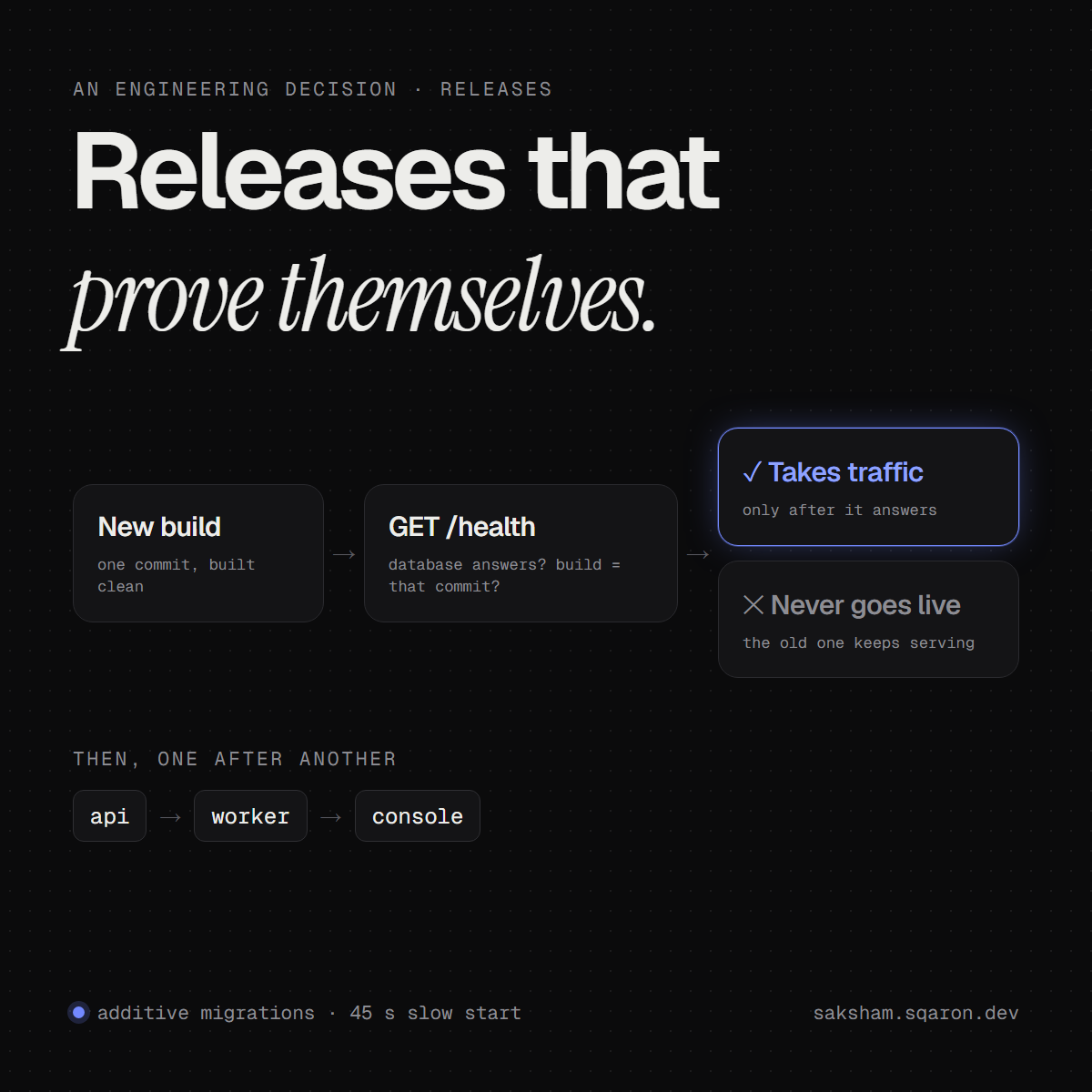
The office uses this backend all day: bills, payments, lorries, the books. A deploy that drops requests for thirty seconds is thirty seconds of somebody’s bill not printing. So releases follow the same rule as the data: refuse, don’t repair. A new version gets no traffic until it has proved it can do the work.
1. “Healthy” means “can do the work”
The health endpoint isn’t a static “OK”. It runs a real query against the database. If the database can’t be reached, it answers 503, and the platform keeps sending traffic to the old container. A server that is up but can’t reach its data is not healthy.
It also returns the commit it was built from. That one field turns out to matter most. A simplified version:
@router.get("/api/v1/health")
def health(db: Session = Depends(get_db)):
    try:
        db.execute(text("select 1"))
    except Exception:
        raise HTTPException(503, "database unreachable")
    return {"ok": True, "build": BUILD_SHA}  # the commit this server runs
2. The release script waits for its own commit
When a platform says “deploy succeeded”, it means a container started. It doesn’t mean the version answering your users is the one you just shipped. So the release script works like this:
- Refuse a messy start. The branch must match the remote exactly and the working tree must be clean. If a release is already building or deploying, a second one is refused.
- Build what you mean. The commit is read once, built from a clean checkout of exactly that commit, and stamped into the image.
- Wait for proof. The script polls the live health endpoint every five seconds until
buildequals that commit. If the platform reports the deploy failed or crashed, it stops at once. After fifteen minutes with no answer, it gives up and says so. - Then the next service. The background worker goes next, then the office console, each one waiting for the one before.
There is no rollback step, on purpose. If the new version never becomes healthy, it never takes traffic, so the old version is still serving. The script’s job is to say clearly which parts are live and which aren’t, and how to finish.
3. A new version refuses to start on an old database
Migrations run before the server starts, and they only ever add: new tables and new columns, never a drop or a rename in the same release. While the old version is still serving, the database has to work for both.
On boot, the app compares the schema with what the code expects. If the database is behind, the app refuses to start. Because of the health gate, that simply means the new version never goes live, and nobody notices.
4. Start slowly, so everyone can reconnect
When a new container comes up, every phone and screen reconnects at once. So background jobs don’t start at boot: they wait 45 seconds, then start one every 15 seconds, and people get the database connections first.
Work that is half done when the old container stops has a claim that expires after 90 seconds, longer than the 30-second drain. It gets picked up again, instead of being lost or done twice.
What this buys you
- Deploys at lunchtime, not at midnight.
- No guessing which version is live: the live server says which commit it is.
- A failed release costs one message, because the old version never stopped serving.
A release isn’t done when it starts. It’s done when it answers.
I’m Saksham Srivastava, a full-stack & AI engineer in Lucknow and co-founder of Sqaron Technologies. Work with me or see what I’ve built.
- Python
- FastAPI
- DevOps
- Backend
- Also on DEV
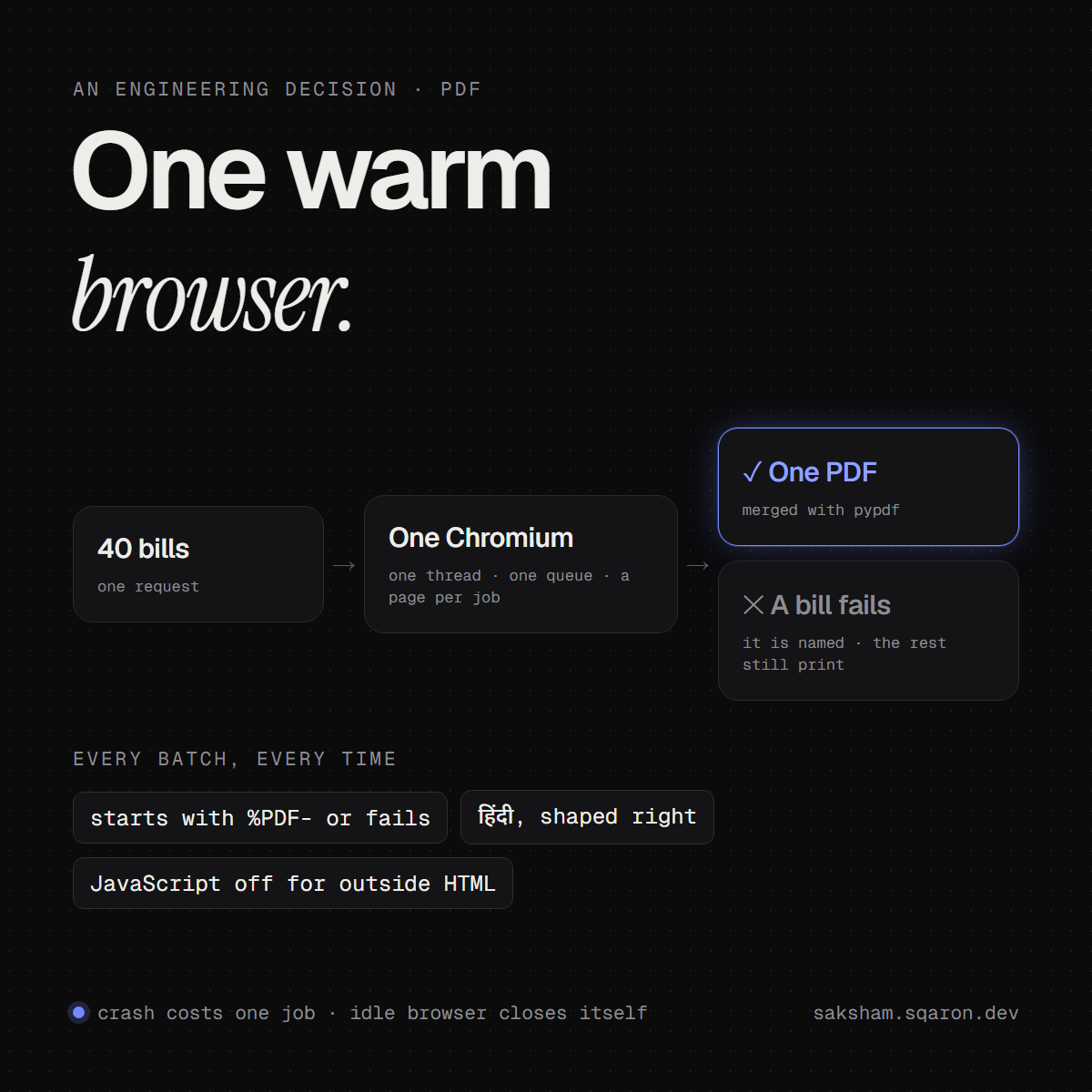 Read nextOne warm browser: printing a day’s bills, Hindi included, from a Python backend25 Nov 2026 · 5 min All writing